For Mac (Apple silicon) · runs on your own agent
Paste a link.
Get clips.
Paste one YouTube video or channel. Reelmint finds the best moments and renders vertical clips with captions, a hook title and a credit line. AI decides the rest.
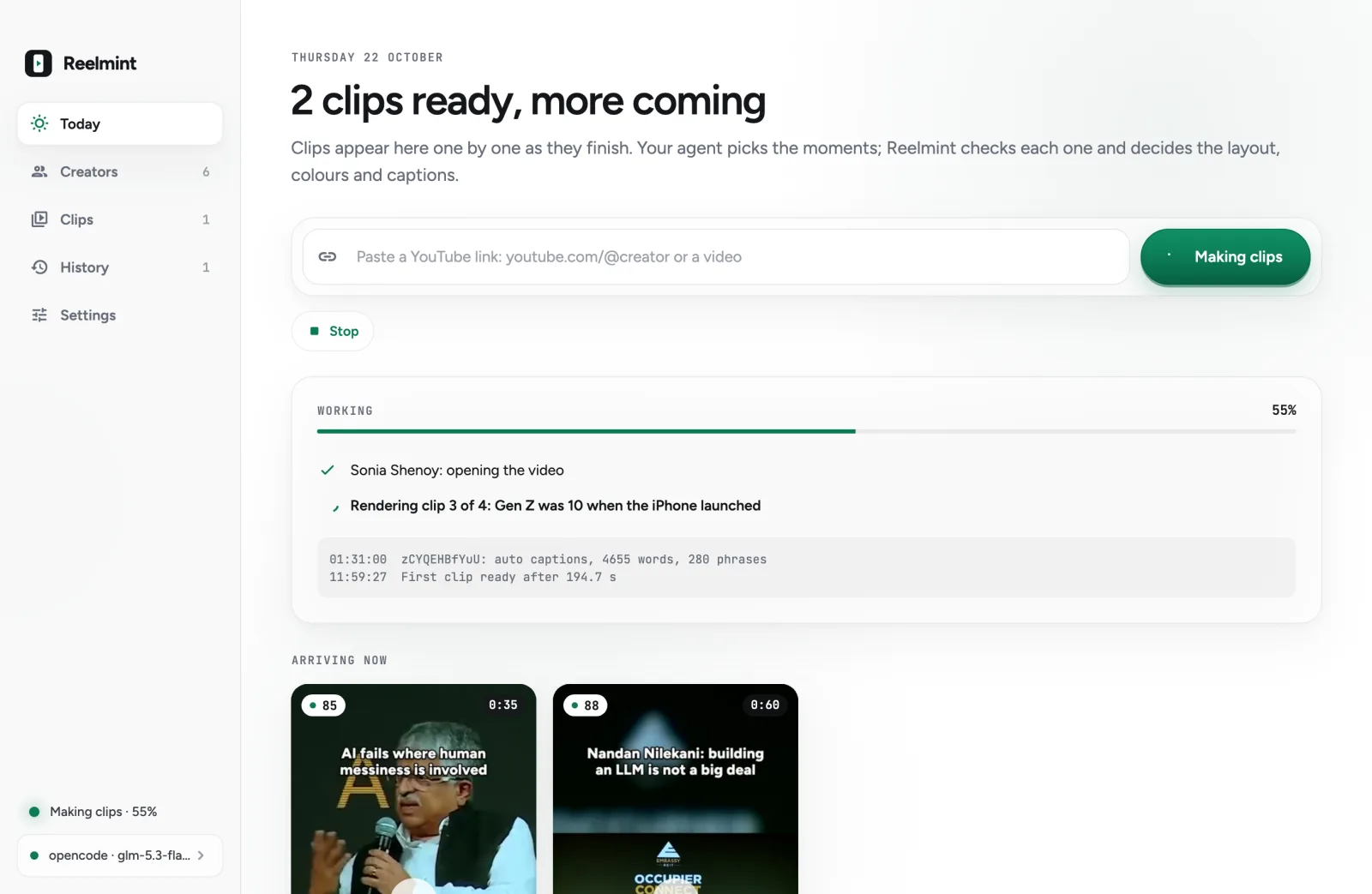
Screenshot from the app
Runs on your agentopencodeClaude CodeCodex CLIGemini CLIQwen CodeCursor AgentGitHub Copilot CLI
Presets from top reels, rendered on your Mac with open-source and built-in tools. The AI is your own (opencode, free by default), so there is no AI bill from us.
01 · The grind
Clipping by hand eats the day.
Watch. Cut. Caption.
A clipping account lives on volume. The work looks like this:
- ✕Watch a 30-minute video to find the 40 seconds worth posting.
- ✕Cut, reframe to vertical, caption, and credit it. Then do it again for the next clip.
- ✕Repeat for every creator, every day, or skip the day.
02 · How it works
Paste a link. Clips arrive one by one.
Step 1
Paste
One YouTube video or channel link, then Make clips now
Step 2
Read
yt-dlp reads YouTube's own captions, with word timings
Step 3
Pick
Your agent reads the timed transcript and proposes clips
Step 4
Check
Code tests every clip; one retry with the exact failures
Step 5
Render
Each clip downloads only its own seconds, then ffmpeg renders it
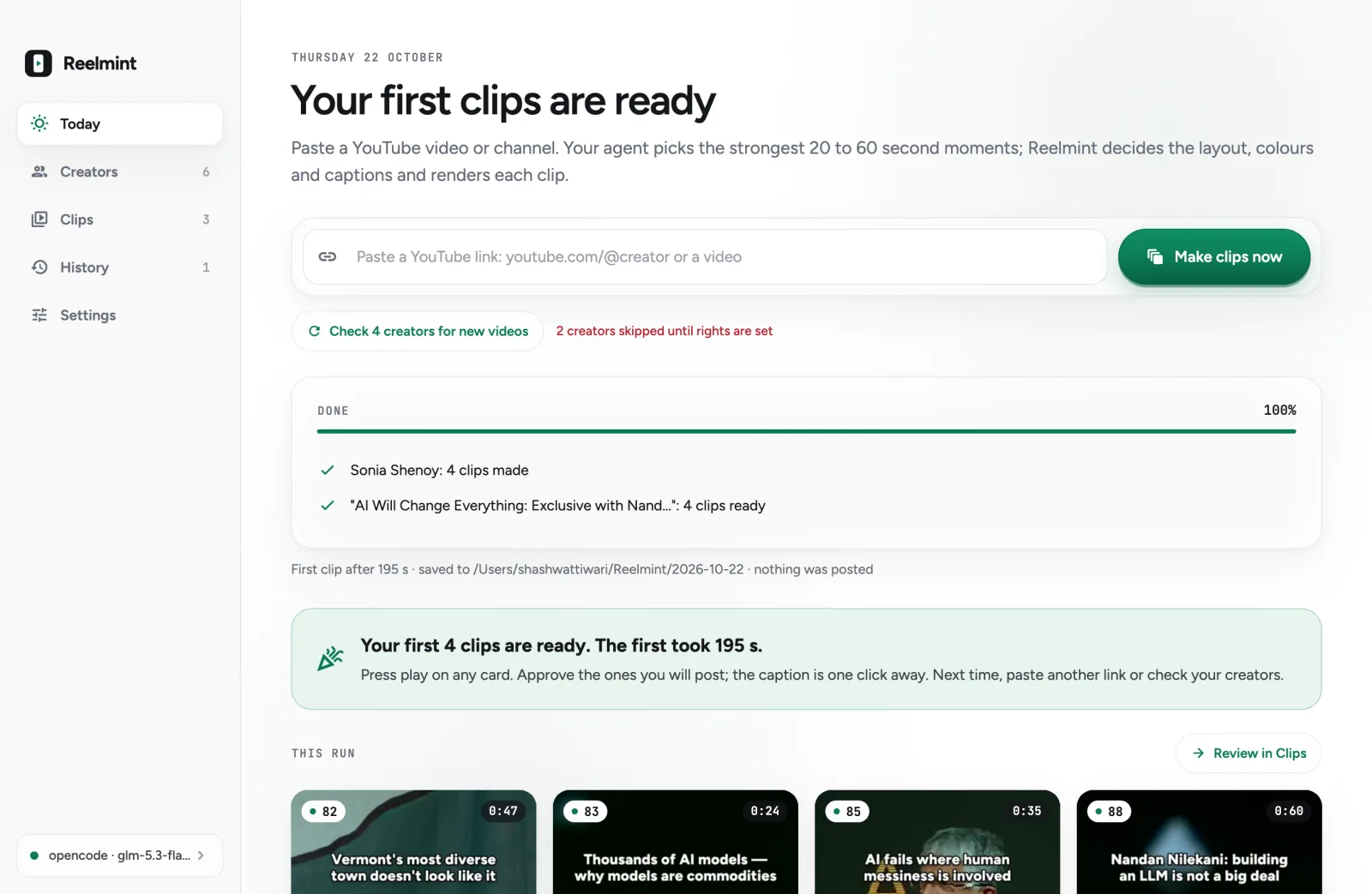
No setup first.
- 01Paste one link and press Make clips now.
- 02Each clip appears as it finishes.
- 03Press play on the card itself.
04 · AI decides the rest
Framing, colour and captions, chosen per clip.
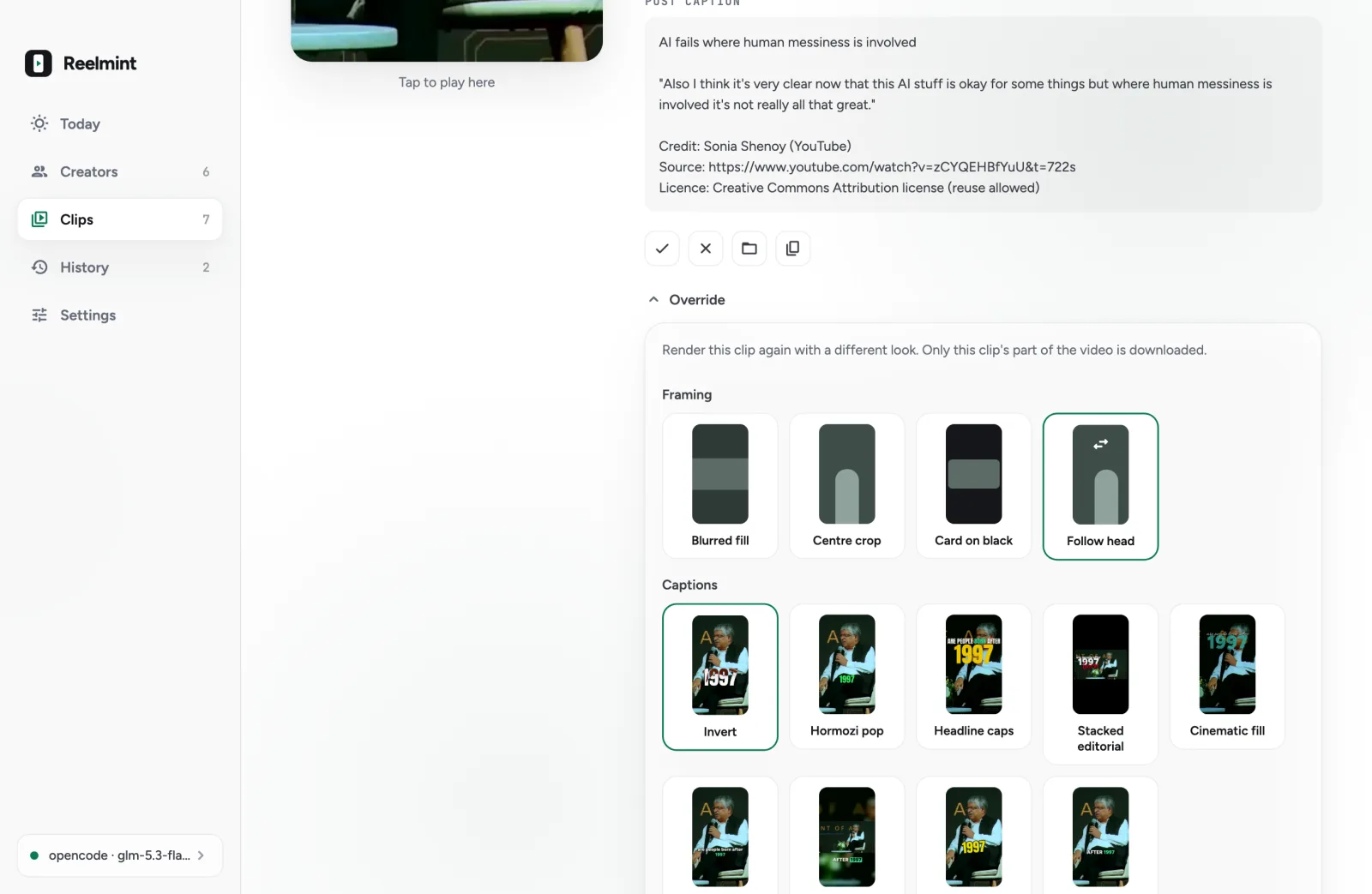
Read from 6 real frames of the clip.
- 01Centre crop for one steady speaker.
- 02Blurred fill for two-shots, wide stages and slides.
- 03Follow-head crop when the speaker moves.
- 04Highlight colour with the best contrast.
- 05Preset and key words, from the clip's own words.
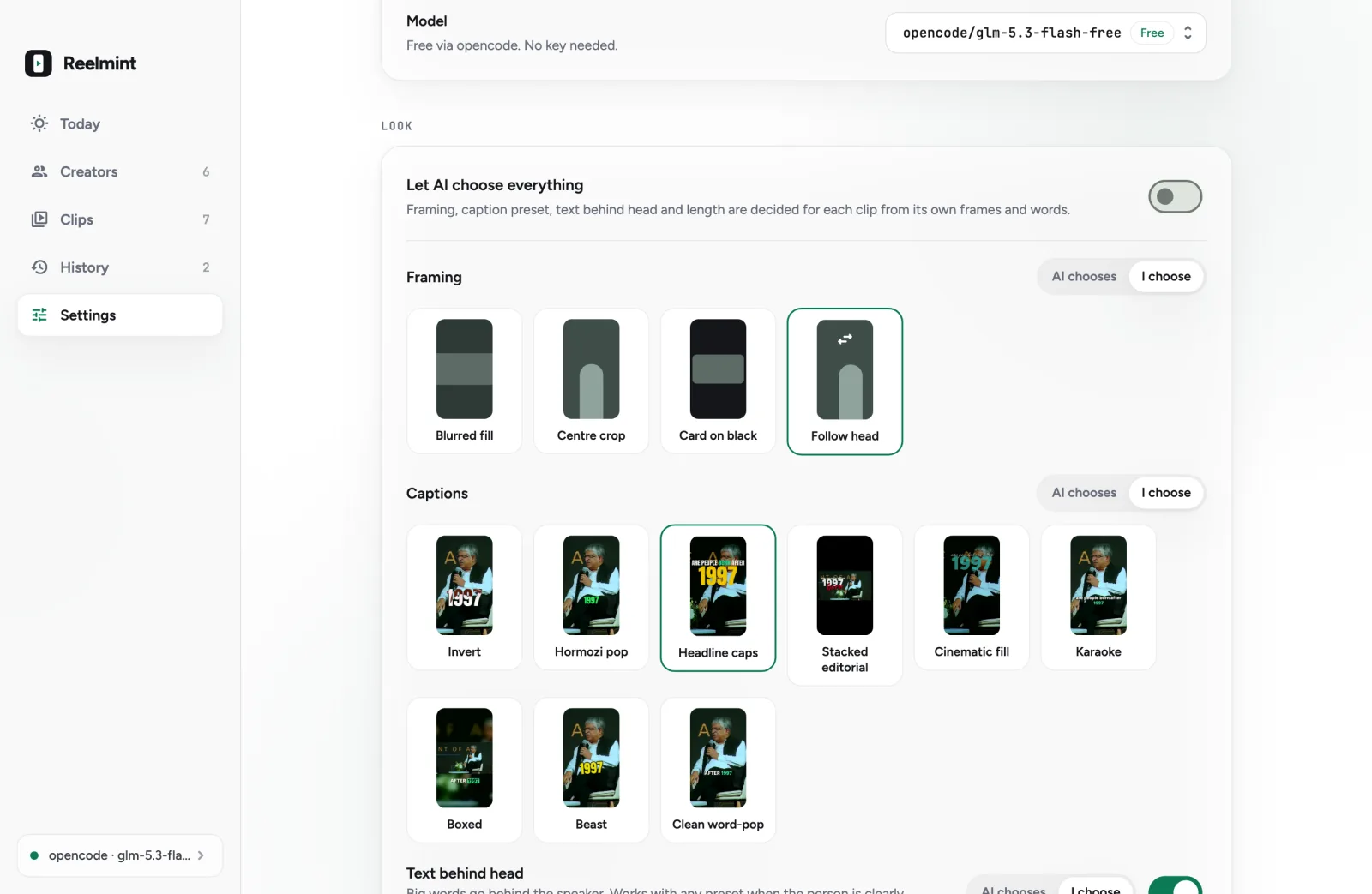
Or choose yourself.
- 01"Let AI choose everything" is on by default.
- 02Off, Framing, Captions and Text behind head each get an AI chooses / I choose switch.
- 03Override any one clip; only that clip re-renders.
05 · Presets
Nine caption presets, rendered on your Mac.
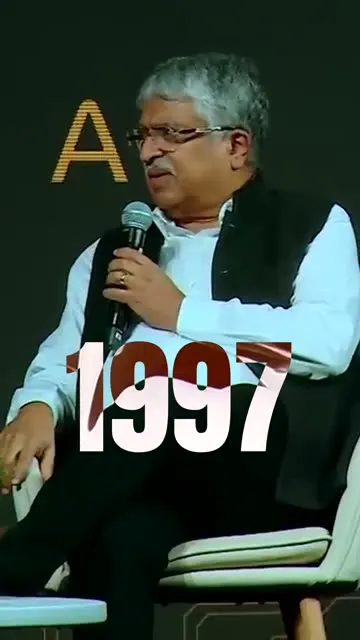
Invert
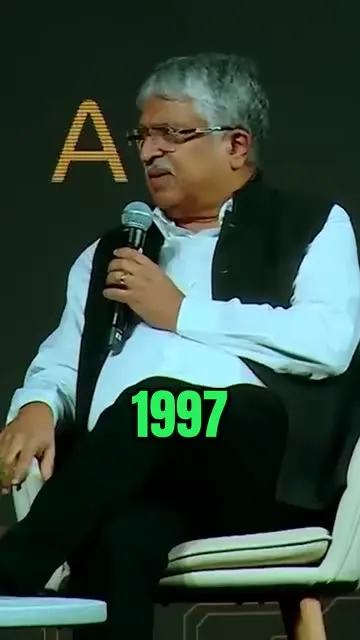
Hormozi pop

Headline caps

Stacked editorial
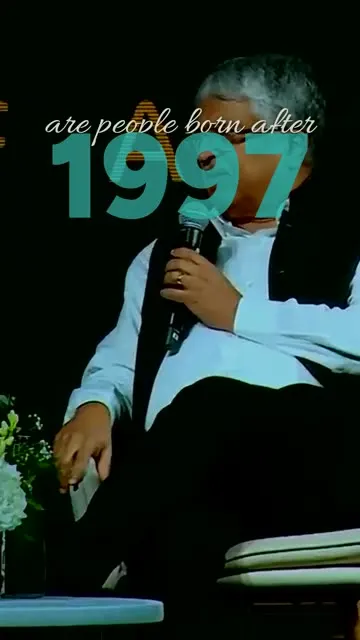
Cinematic fill
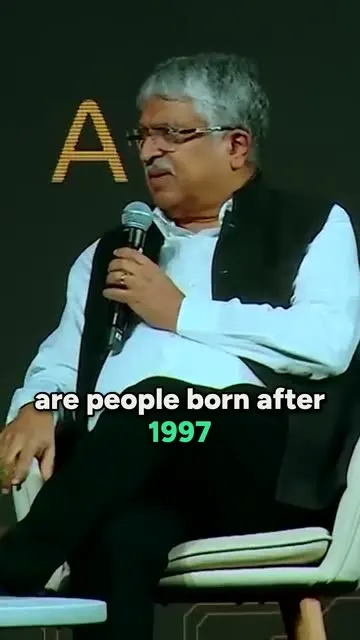
Karaoke
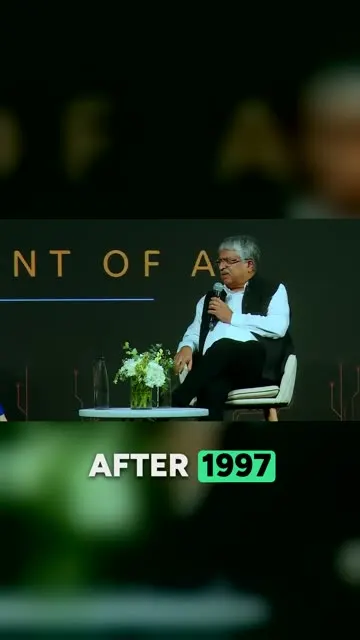
Boxed
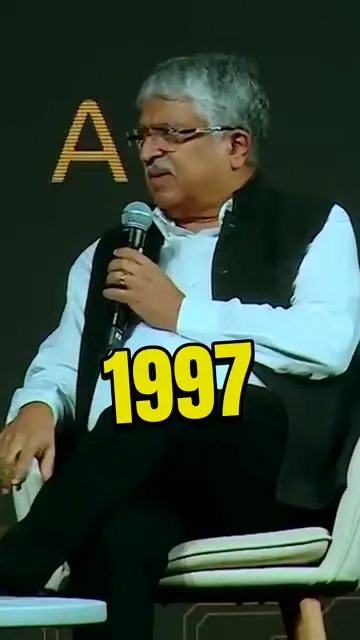
Beast
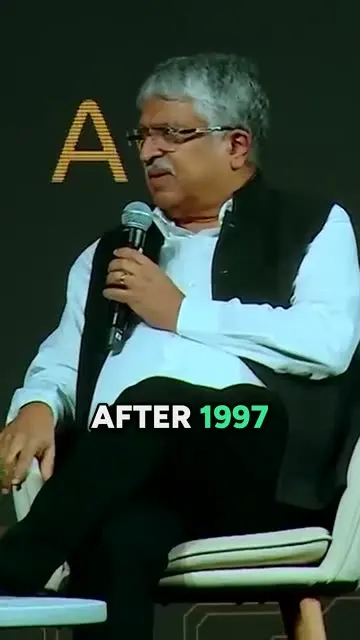
Clean word-pop
- 01Framing: Blurred fill, Centre crop, Card on black, or Follow head.
- 02Text behind head puts big words behind the speaker, using Apple Vision's subject mask.
- 03AI picks the preset, framing and key words per clip, or you choose.
Frames are from real clips rendered with each preset. Source: Sonia Shenoy, CC BY.
06 · The checks
The AI proposes. Code decides.
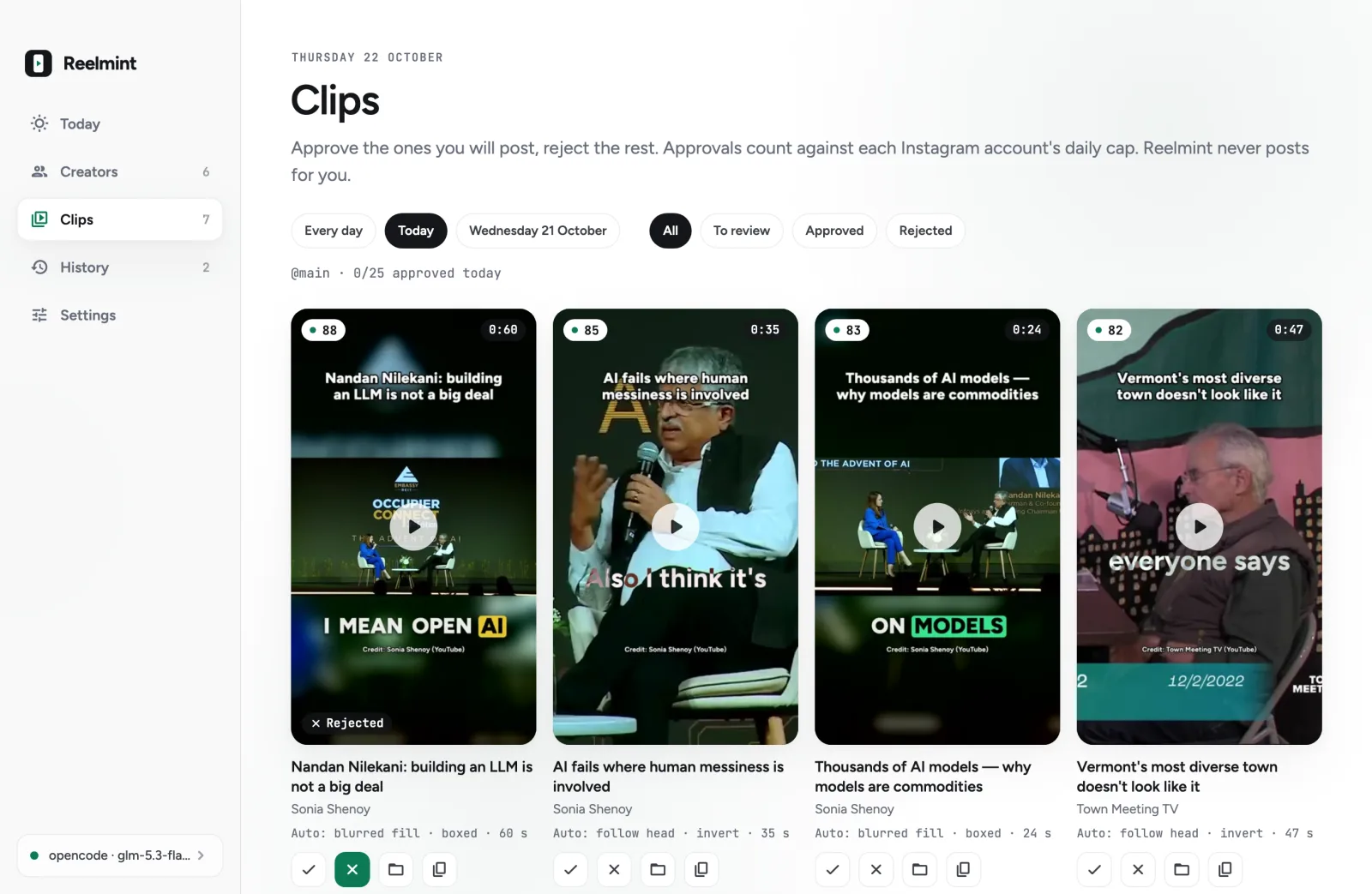
Every clip passes five checks.
- 0120 to 60 seconds long.
- 02Starts and ends on sentence boundaries.
- 03No overlaps with another clip.
- 04Score at or above the threshold, 70 by default.
- 05The hook line is spoken in the first 3 seconds.
07 · Rights and Instagram
Only creators you have rights to.
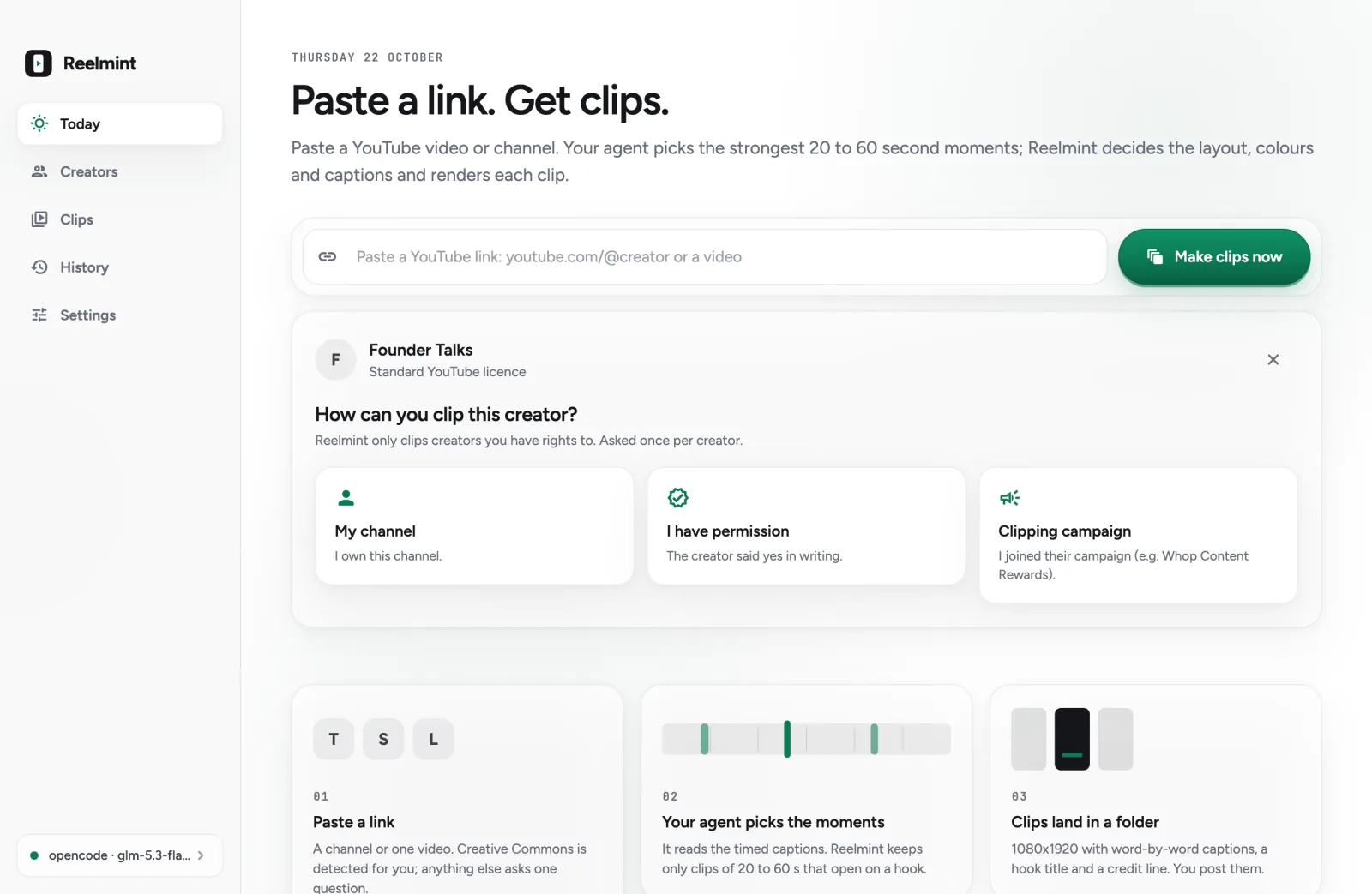
- 01Creative Commons is detected from YouTube's licence field and sets rights by itself.
- 02Otherwise one question: My channel, I have permission, or Clipping campaign link.
No rights answer, no export.
Instagram's API allows 50 posts per account per 24 hours. The app caps you at 25 by default. Reposted unoriginal content gets reduced reach, so every clip carries captions, a hook title and a credit line.
08 · What it touches
One folder. Nothing gets posted.
The app is unsigned: the first time, right-click it and choose Open.
09 · Real clips
Real clips from a real run.
Fresh install, one pasted link, no settings touched: a 24-minute interview gave 3 of 3 clips that passed every check. The first was ready in about 3 minutes (195 s), all 3 in 363 s. A 30-minute Town Meeting TV video also gave 3 of 3, the first in 203 s. Free-model speed varies.
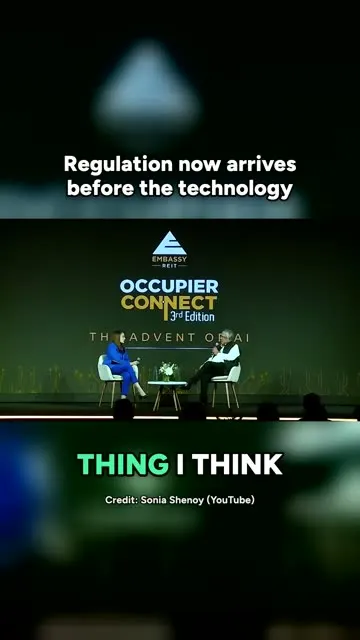
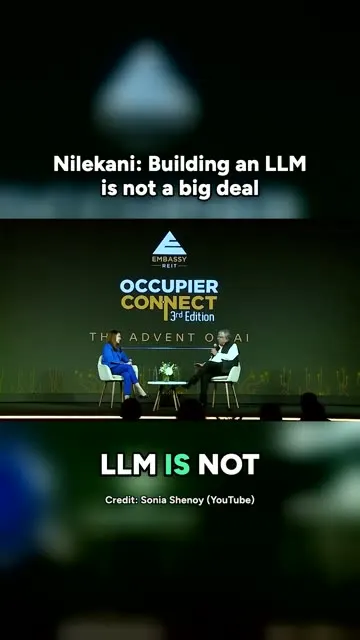
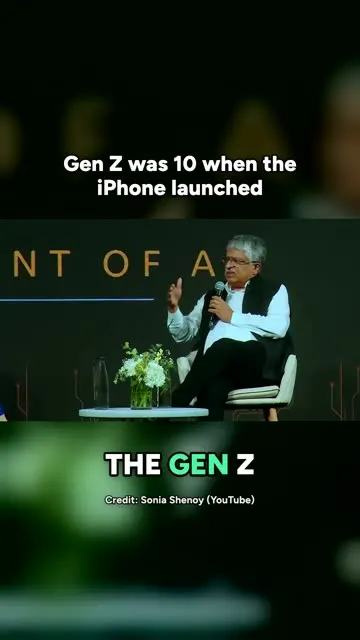

Screenshots are from the app. The demo clips come from real runs on Creative Commons (CC BY) videos by Sonia Shenoy and Town Meeting TV, 22 October 2026, with opencode and glm-5.3-flash-free.
10 · What the problem costs now
Every skipped day is clips you never made.
≈3 min
That is about how long the first clip took from one pasted link to a 24-minute interview (195 s). All 3 checked, captioned, vertical clips were ready in 363 s. The free model's speed varies. By hand, you watch, cut, reframe and caption each one yourself.
11 · Price
One price. Yours to keep.
Reelmint for Mac · one-time
Paid once by UPI. No subscription.
- The Reelmint app for Mac (Apple silicon)
- Clips from any YouTube link you paste
- Your own agent, no AI bill from Reelmint
No free trial. No subscription.
12 · Questions
The questions people ask first.
Which AI does Reelmint use, and do I pay for it?
Your own terminal coding agent, run headless and read-only. The default is opencode with its free model glm-5.3-flash-free: no API key, no account. Claude Code, Codex CLI, Gemini CLI, Qwen Code, Cursor Agent and GitHub Copilot CLI also work. Reelmint adds no AI bill, and no local models are involved.
Can I clip any creator?
Only creators you have rights to. Creative Commons videos are detected from YouTube's licence field and set the rights by themselves. For any other creator the app asks one question: My channel, I have permission, or Clipping campaign link (for example Whop Content Rewards). Nothing exports before that.
Who decides framing, colours and captions?
The AI does, per clip, from 6 real frames of that clip. It picks centre crop, blurred fill or follow-head framing, the best-contrast highlight colour, and sentence case or UPPERCASE. Turn off Let AI choose everything to pick framing and captions yourself, or use Override on one clip to re-render it.
Does it open a browser?
No. Everything runs through yt-dlp and ffmpeg inside the app. If YouTube shows a bot check, the app waits 30 s and retries once. After that it offers an opt-in retry with your browser cookies, and never does it automatically.
Does it post to Instagram for me?
No. Reelmint never posts anywhere. You approve or reject each clip and post it yourself. The app has a daily cap per Instagram account, 25 by default; Instagram's API allows at most 50 posts per account per 24 hours.
Will reposted clips get reach?
Instagram reduces reach for reposted unoriginal content. That is why every clip carries burned-in captions, a hook title and a credit line, and why the app recommends keeping the credit line.
What do I need on my Mac?
A Mac on macOS 14 or later with Apple silicon (the presets use Apple Vision), yt-dlp, ffmpeg and one of the agents above. The app installs yt-dlp and ffmpeg for you with one click, through Homebrew. The app is unsigned, so the first time you open it, right-click it and choose Open.
What does it leave on my disk?
Clips in ~/Reelmint/<date>/<creator>/: each .mp4 with a .txt caption (title, hook, credit, source link), plus a day index. The downloaded video pieces are deleted after rendering.
What if a clip fails a check?
Reelmint sends your agent the exact failures once, for one retry. Clips that still fail are dropped and never rendered.
Is there a free trial or a subscription?
Neither. Reelmint is one payment: ₹1,999 by UPI in India, or $24 by PayPal elsewhere.
13 · Start
Paste your first link.
Pay once, send the screenshot on WhatsApp, and Shashwat sends you the Mac app. Paste a link and press the button.